Accurate takeoffs and fast revisions are the difference between a smooth paving job and a costly scramble. A good Asphalt Calculator app helps you confirm quantities, compare options, and communicate numbers clearly—without rebuilding the same spreadsheet on every project.
Review scope: This is a feature and workflow review based on the current App Store listing, not a laboratory accuracy certification. App features, privacy disclosures, compatibility, and pricing can change. For a browser-based alternative, use our free asphalt calculator.
Asphalt Calculator is presented in its App Store listing as an iOS utility for material and cost estimation plus lightweight job organization. The statements below should be checked against the current listing and installed version.
- App Store: Asphalt Calculator
(Pricing and iOS requirements can change—always confirm details in the current App Store listing.)
What the App Does (At a Glance)
At its core, Asphalt Calculator helps you move from dimensions → volume → weight/tons → cost with minimal friction. It’s designed for on-site use when you need an answer quickly—during a walk-through, while revising a quote, or when placing an order.
Key Features
1) Smart material calculations
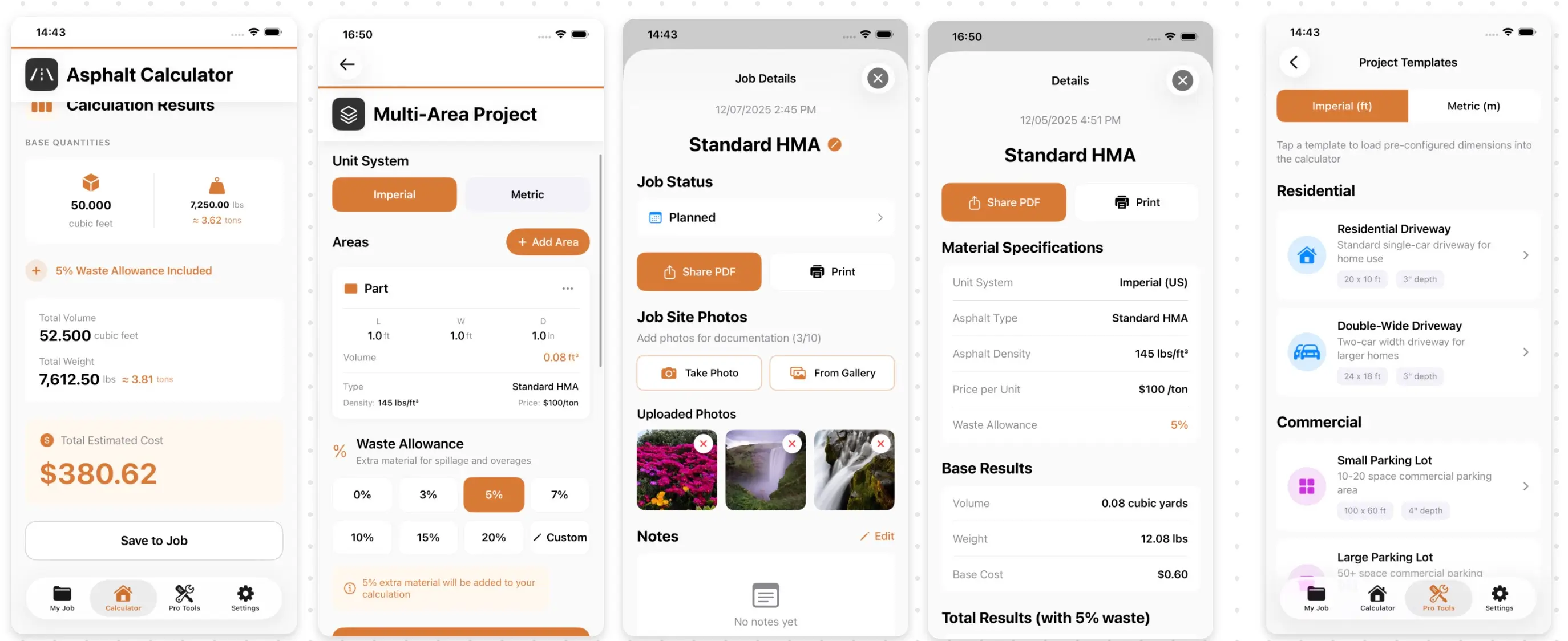
The calculation workflow is straightforward: enter your dimensions, choose units/material, apply waste, and get results immediately.
- Imperial + Metric support: Switch between common unit systems without redoing the math.
- Multiple asphalt types: Preset densities can speed up scenarios, but a supplier or mix-design density is preferable for ordering.
- Allowance options: An allowance can represent geometry and yield uncertainty; users should document why it is applied rather than treating one percentage as universal.
- Cost estimation: Add unit pricing and see totals update with waste and material settings.
If you frequently price similar jobs, having these inputs saved and reusable can be a real time-saver.
2) Basic job management (simple, useful)
Beyond the calculator, the app aims to keep your project notes in one place:
- Save projects with the inputs and outputs that produced your numbers.
- Status tracking (e.g., active vs. completed) so you can find the right job quickly.
- Time-stamped history for repeat work, audits, or “what did we quote last time?” questions.
- Photo attachments for before/after documentation and site conditions.
This is especially helpful when project details come back weeks later and you want to explain how a number was derived.
3) Extra utilities that support estimating
Many crews end up using separate tools for slope, conversion, and reference notes. Asphalt Calculator bundles several common helpers:
- Slope / grade calculator for drainage planning.
- Unit converter for length, area, volume, and weight.
- Thickness references organized by application type and traffic load.
- Labor / compaction helpers (useful for planning and sanity checks, even if your final numbers come from production history).
Settings and customization
Every market is different. Useful options typically include:
- Default unit system (Imperial or Metric)
- Custom density values for specialized mixes
- Default pricing inputs for faster quoting
Privacy and data handling (why it matters)
For estimating, privacy is not just a preference—bids and job notes can be sensitive. Review the current App Privacy disclosure, account requirements, backup behavior, photo permissions, export controls, and deletion process before storing client information. This article does not independently verify where every data type is stored.
Who this app is best for
- Asphalt paving contractors and estimators who need fast quantity/cost numbers in the field
- Project managers tracking multiple small jobs with photos and notes
- Property managers doing basic planning and vendor comparison
Accuracy and workflow checks
Before relying on a saved estimate:
- Recalculate one known rectangle by hand.
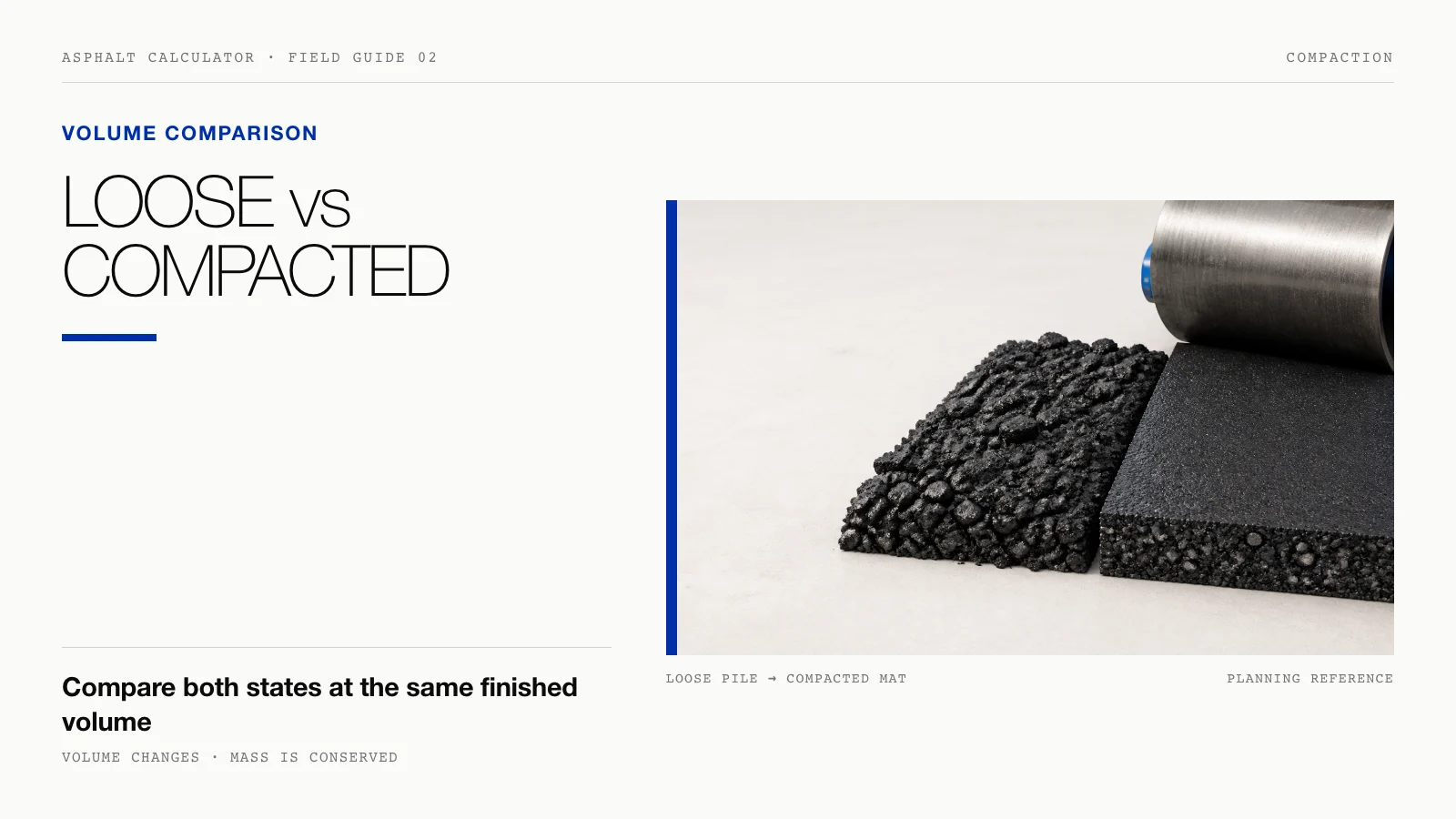
- Confirm whether thickness means loose or compacted depth.
- Replace preset density with supplier data when available.
- Confirm US tons versus metric tonnes.
- Export or record the inputs used to produce the result.
- Keep project photos and client details only if the current privacy controls fit your requirements.
Bottom line
If you want a compact, on-device tool for asphalt quantity estimates (with unit conversion and light project organization), Asphalt Calculator is worth a look. It won’t replace full estimating software for large, complex jobs—but it can remove a lot of day-to-day friction when you just need reliable numbers quickly.
App Store: Asphalt Calculator
Availability: iPhone/iPad (see App Store listing for current compatibility)